



Your Learning Platform
Moodle brings your programme resources together in one place. Find your learning area, follow the guidance and use activities to practise and check your understanding.
What you can find
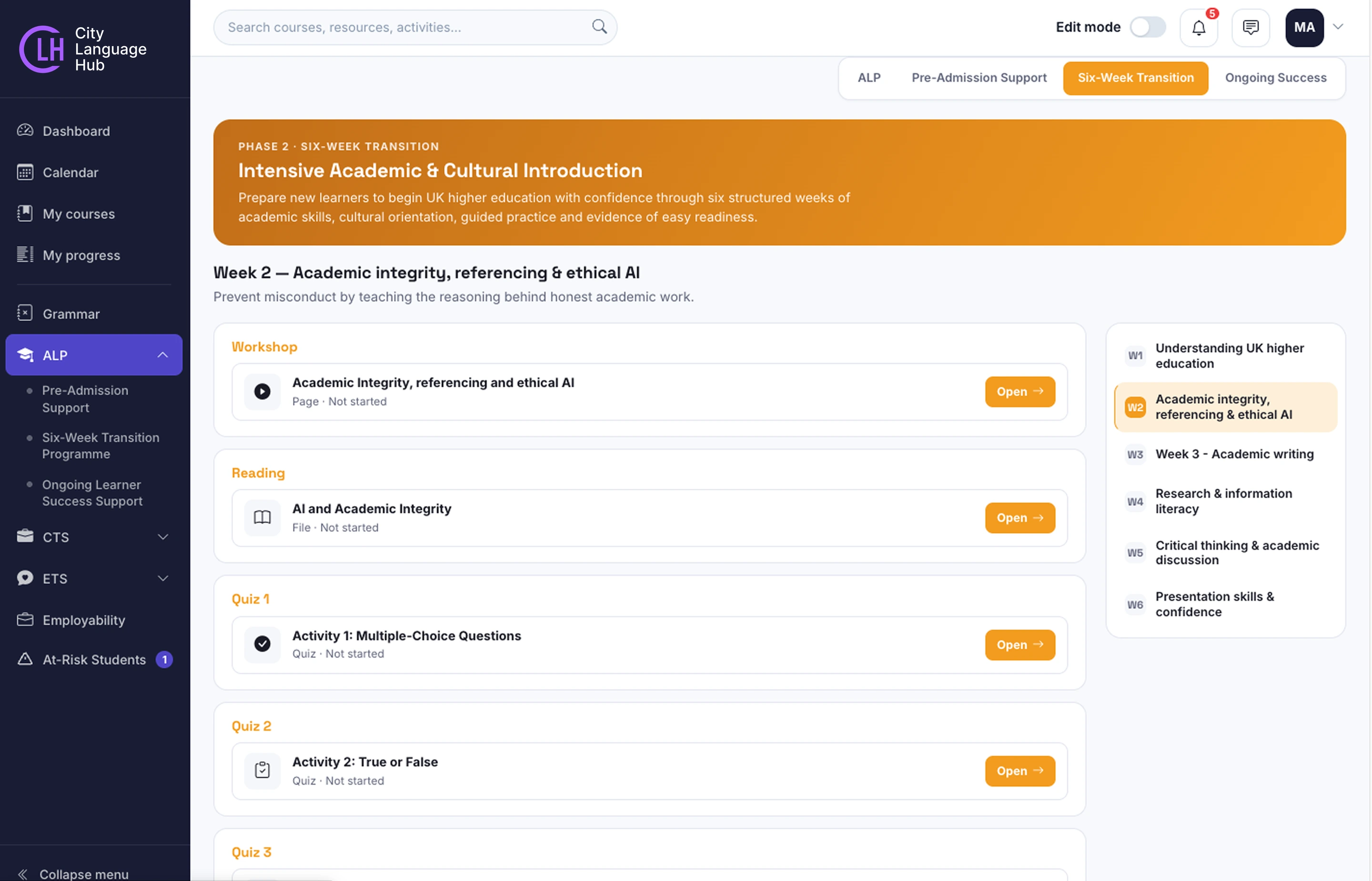
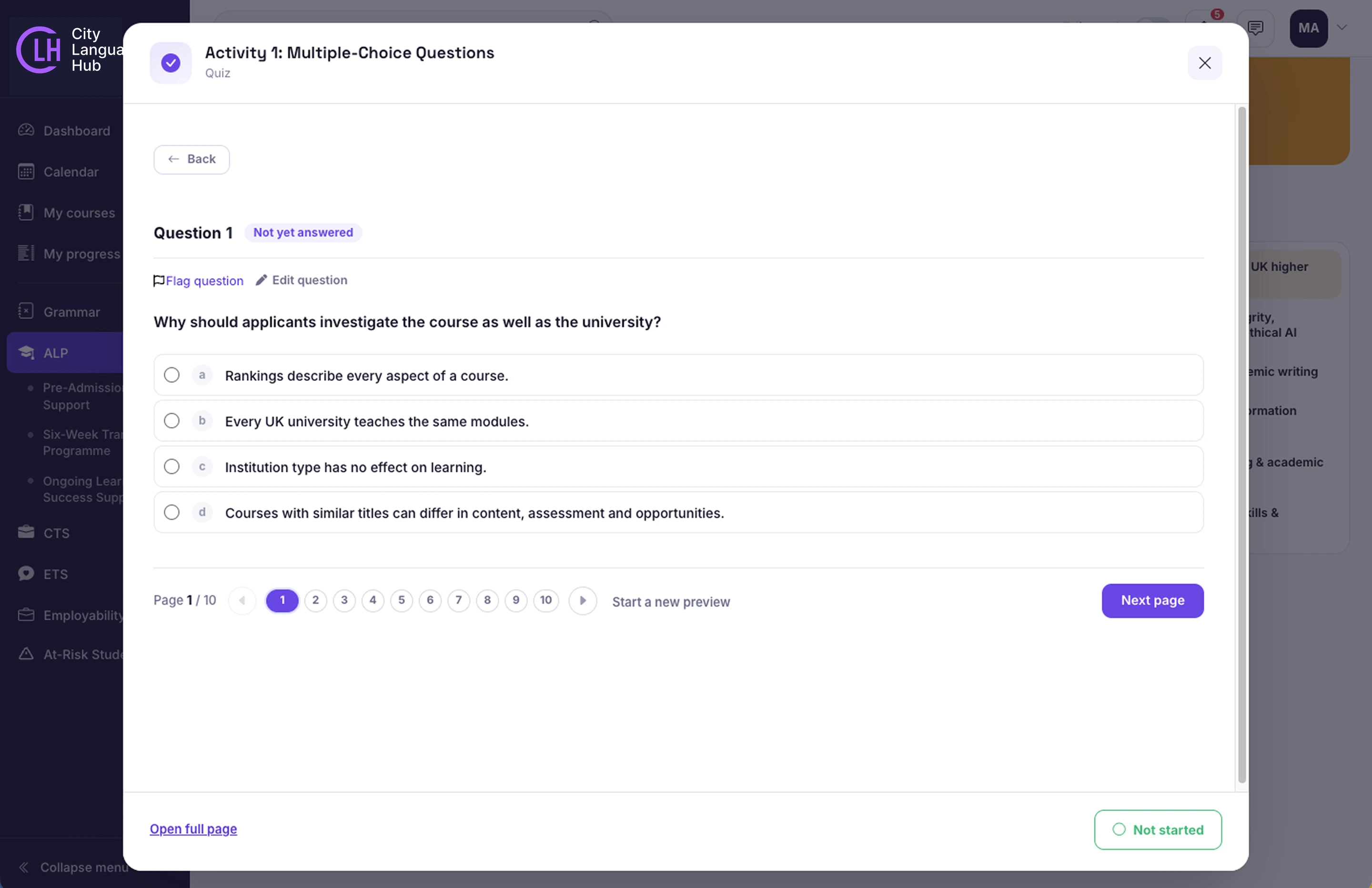
Resources may include welcome guidance, recorded workshops, readings, practice activities, quizzes and checklists. The topics and support available depend on your programme and access permissions.

Sign In
Use the Moodle link and account details provided when your access is arranged.

Find Your Programme
Open your assigned learning area and read the welcome guidance.

Follow the Topics
Work through the recommended sequence, or use the support resources relevant to your current needs.

Practise and Review
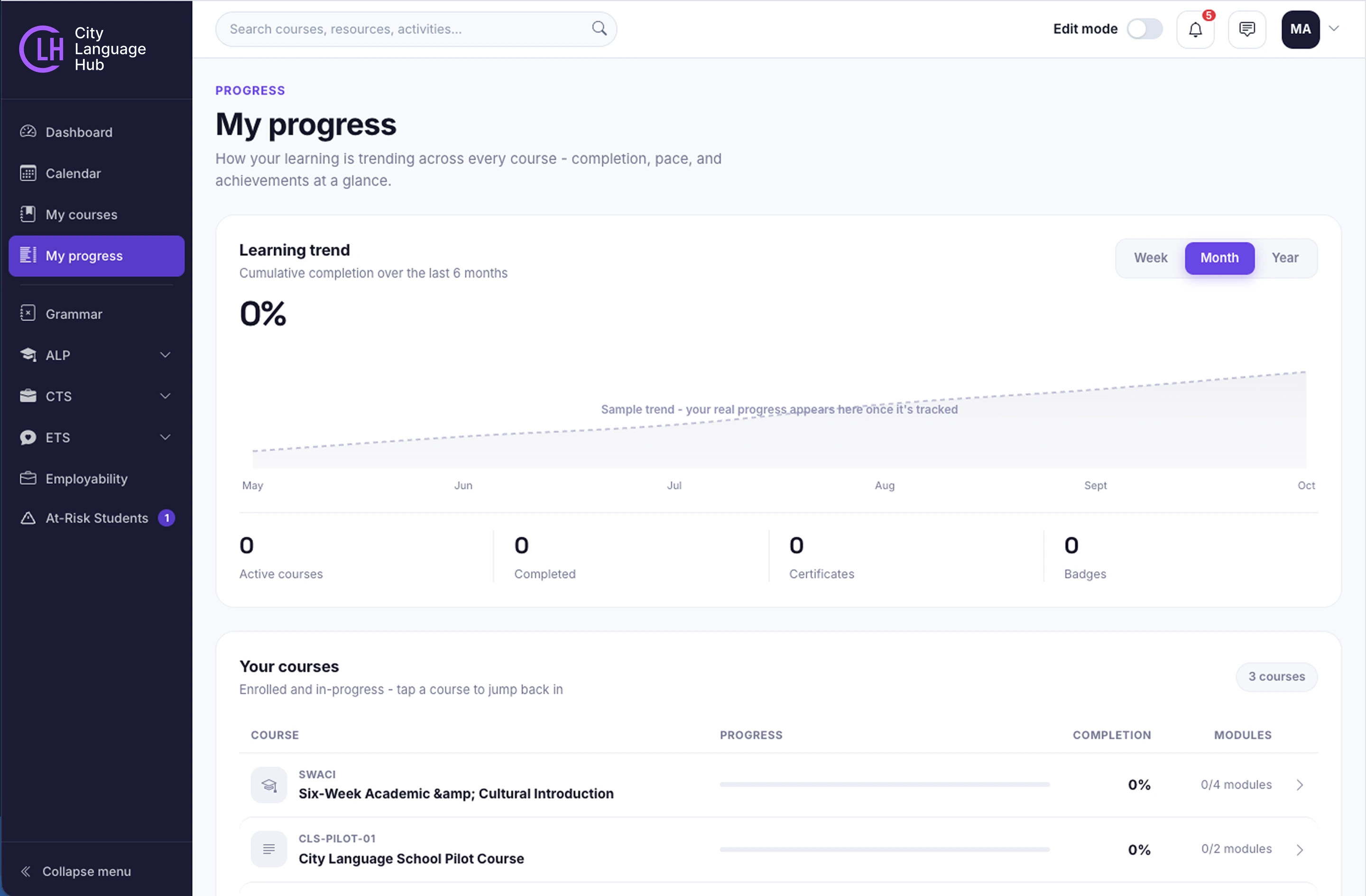
Complete activities, read feedback and revisit material where needed. Use completion indicators where available.

Ask for Support
Use the contact, forum or booking route included in your programme.
 My courses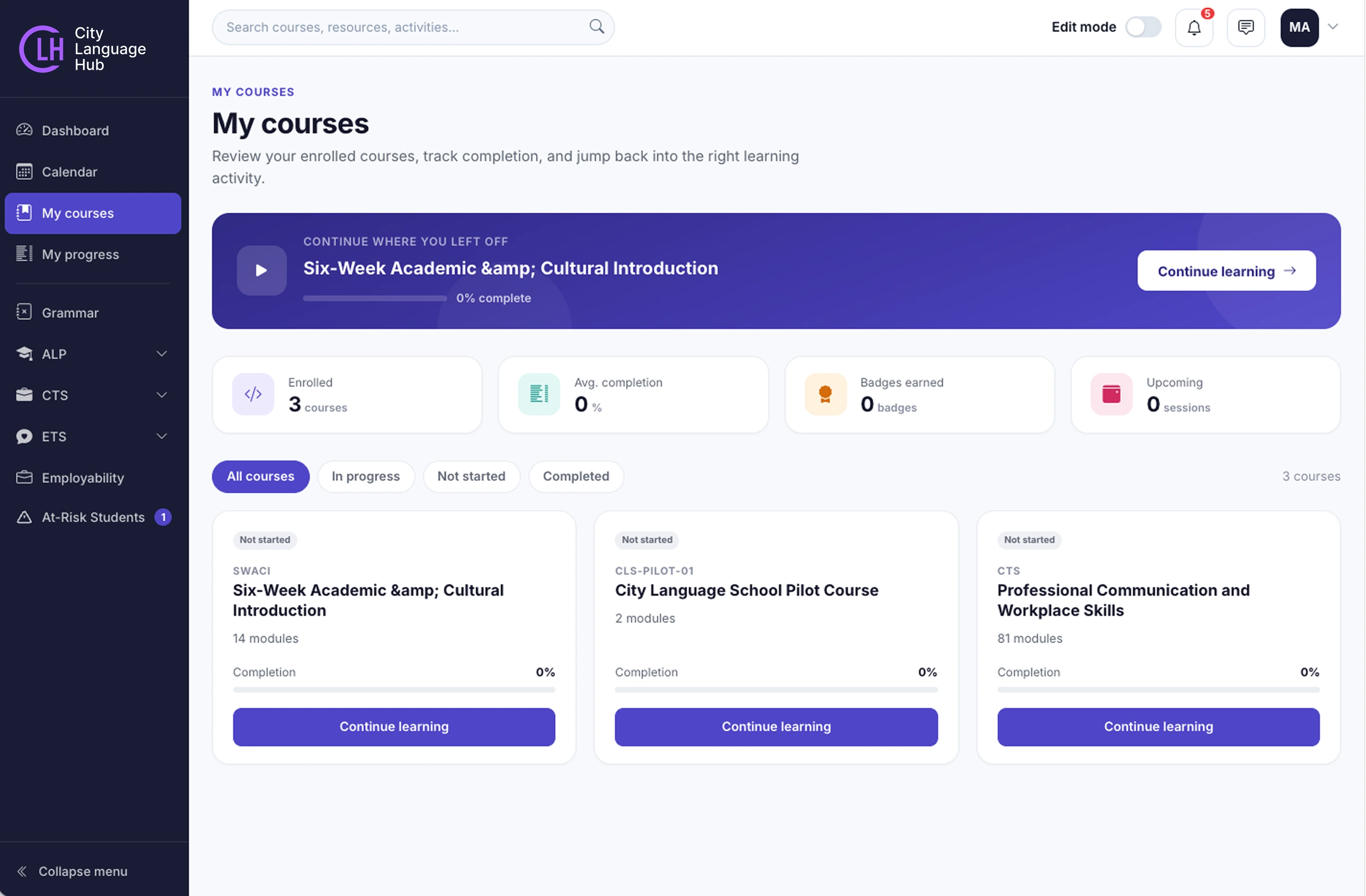

Recognition
Completion requirements and any certificate arrangements are explained within your programme. Check the relevant course guidance for assessment requirements and pass marks.
Use AI responsibly
Follow the guidance in your programme and your institution’s rules. Check information, acknowledge AI use where required and make sure your work reflects your own understanding.



Having Trouble Signing In?
Use the password reset option where available. If you still need help, contact us with your name and programme. Please do not send your password.